WhatsApp Date Rescue
WhatsApp strips the EXIF date out of every photo it saves, so years of memories
collapse onto whatever day you exported them. FolioSort reads the real date straight from the file name
(IMG-20190415-WA0003 → April 15, 2019) and sorts your WhatsApp photos back into the timeline they
belong in — entirely on your computer.
When WhatsApp saves an image, it re-compresses it and drops the EXIF metadata — including the capture date. Export a chat or copy the WhatsApp media folder and every photo shows the same date: the day you moved it. Sorted by date, a decade of memories piles up in a single day, and the timeline is gone.
Fixing that by hand means opening each photo, guessing when it was taken, and editing the date one file at a time. For thousands of photos, nobody does it — so the memories just sit there, undated.
WhatsApp names every file with the date baked in: IMG-20190415-WA0003.jpg,
VID-20211224-WA0007.mp4. FolioSort reads that date from the file name and restores the
real capture date, then sorts everything into clean dated folders. Photos land back in 2019, videos
back on Christmas Eve 2021 — where they belong.
Optionally, FolioSort can write the recovered date back into each file's EXIF, so Apple Photos, Google Photos and Lightroom show the right date too. Per-chat exports keep the chat name available as a folder, and voice notes are listed, never mangled. Everything runs 100% on your computer — no upload, no account.
How it works
Export a chat, or grab the WhatsApp Images / Video folders from your phone or backup.
Select the folder. FolioSort detects the WhatsApp naming pattern automatically.
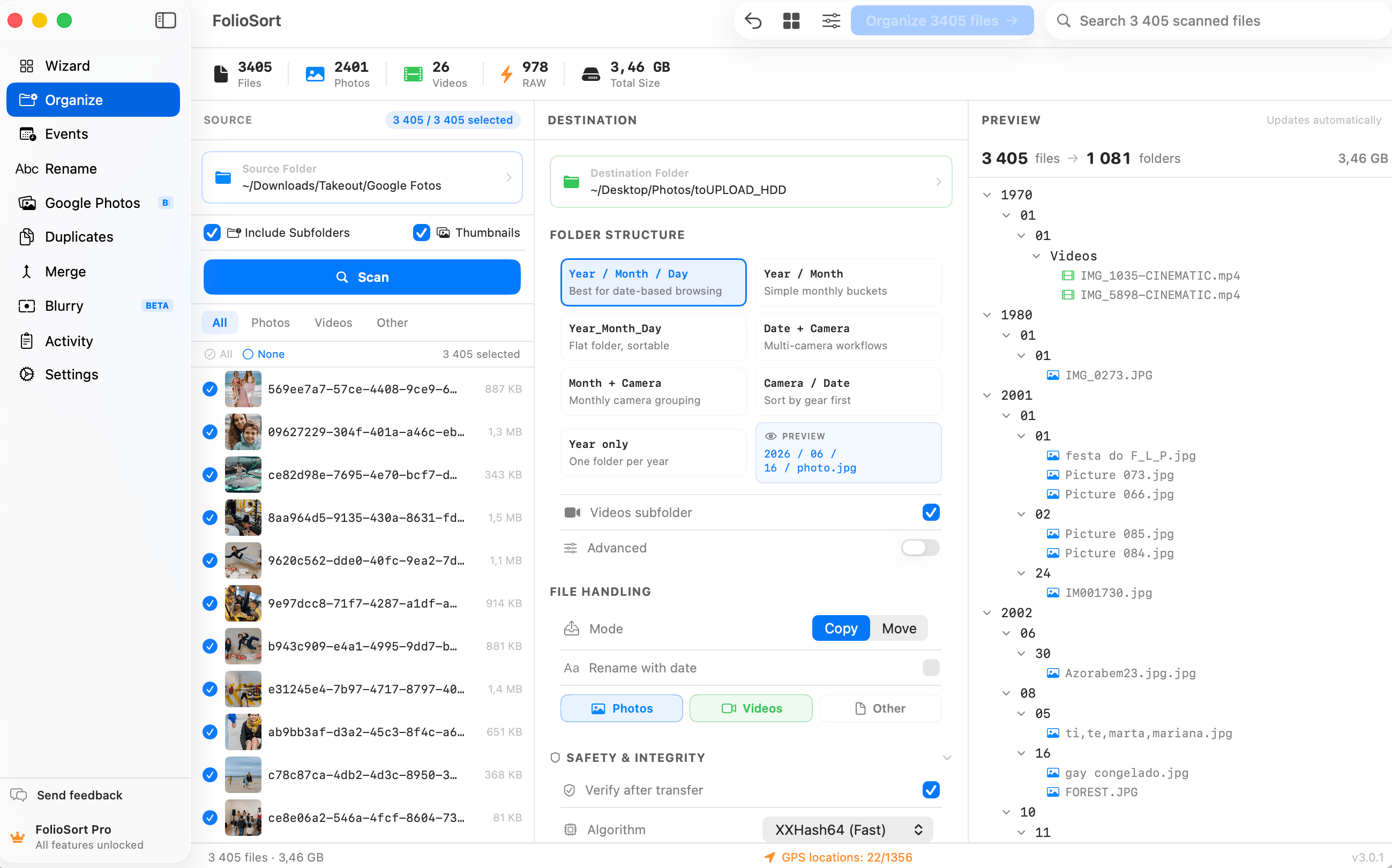
See the real date FolioSort read for each photo, and the folder layout, before anything moves.
FolioSort sorts everything into dated folders, verified with checksums. Turn on EXIF write-back so other apps see the dates too. Undo anytime.
Why it's safe
I'd saved five years of family photos out of WhatsApp and they all showed the same date — useless for finding anything. FolioSort read the dates out of the file names and put them back on the real days. My kids' birthdays are in the right years again.
FAQ
WhatsApp re-compresses images when it saves them and drops the original EXIF metadata, including the capture date. Your file browser then falls back to the date the file was created on your device — usually the day you exported or copied it — so everything looks like it was taken on the same day.
WhatsApp encodes the date in the file name — for example IMG-20190415-WA0003.jpg is April 15, 2019. FolioSort reads that date from the name and restores the real capture date, then sorts your photos into dated folders. It handles both photo (IMG-) and video (VID-) naming.
Yes — turn on the optional EXIF write-back and FolioSort writes the recovered date back into each file's metadata, so Apple Photos, Google Photos and Lightroom show the correct date on import. It's off by default and logged when enabled, so you stay in control.
Voice notes and audio files are listed and kept intact — FolioSort never renames them into nonsense or mangles them. Only files with a recognizable date get a recovered date; everything else is left as-is.
FolioSort is free to try and runs entirely on your Mac or PC — nothing is uploaded and no account is needed. The free version organizes up to 100 files per run; Pro removes the limit for a one-time €29.99, with a 14-day money-back guarantee.
Download FolioSort, point it at your WhatsApp photos, and watch a decade of memories snap back into the right years — tonight, not next month.