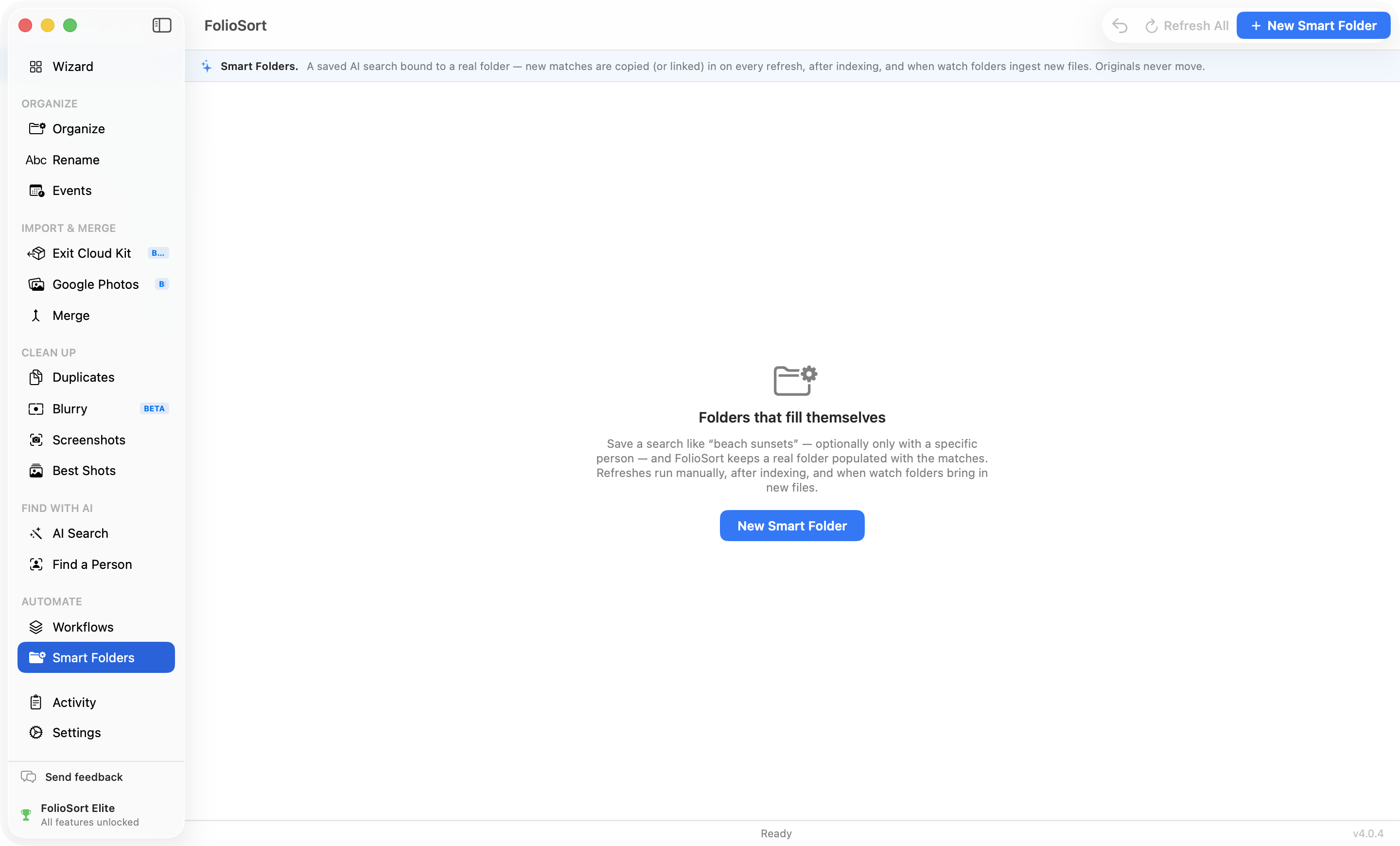
Smart Folders · Saved AI search · Elite
Type “the dog on the beach” once and save it as a real folder on your disk. From then on, Smart Folders keeps it populated — copying or linking new matches in on every refresh and after each import. Narrow it to one person if you like. Your originals never move. 100% on-device, no cloud, no account.
You search “beach”, you gather this year's shots into an album, you're happy. Then you import August's camera dump and the album is out of date — the new beach photos aren't in it. So you search again, drag again, and try to remember which ones you already added. A one-off search never keeps up with a growing library, and manual albums rot the moment you look away.
A Smart Folder is that search, saved and bound to a real folder. FolioSort materializes every match into it — as a copy or a space-free link — and refreshes automatically after new imports and index updates, adding only what's new. Point Photos, a slideshow, a backup or a NAS sync at the folder and it's always current, without you touching it. Your originals stay exactly where they are.
How it works
Type a plain-language query — “snowy mountains”, “birthday cake”. Optionally add reference photos to narrow it to one person.
Choose the real destination folder and whether matches arrive as independent copies or space-free hard links.
FolioSort materializes the matches now, then refreshes on demand, after indexing, and when watch folders ingest new files.
Originals never move, only new matches are added each time, and any refresh can be undone to the Trash.
What makes it smart
Automation you can trust
A Smart Folder only ever adds to its own destination — it never moves, renames or deletes your originals. Because matches are copies or links, one photo can belong to a dozen Smart Folders at once, and deleting a Smart Folder leaves your library completely untouched. The organizing you already did stays exactly as it was.
Don't like what a refresh pulled in? Undo the last refresh and the files it added go to the Trash — never permanent deletion, never your originals. It's the same checksum-verified, fully undoable engine behind every FolioSort tool, running entirely on your PC with nothing uploaded anywhere.
Why it's safe
I made one Smart Folder per grandchild and one for “the beach house”. Now every time I import photos they just show up in the right folders — I point my screensaver at them and never think about it. And it never messed with my actual library, which is what I was terrified of.
AI Photo Search finds anything in plain language. Find a Person tracks one face across decades. Smart Folders turn those searches into real folders that keep themselves full.
Type what you remember — “kids at the beach”, a receipt's text — and find it, offline.
Explore AI Search →Save a search as a real folder that fills itself — originals untouched, refresh undoable.
This pageAdd a few photos of someone and find every shot of them — on-device, no face uploaded.
Explore Find a Person →FAQ
A Smart Folder is a saved AI search bound to a real folder on your disk. You describe what you want in plain language — “the dog on the beach” — and FolioSort keeps that folder populated with the matching photos, copying or linking new ones in as your library grows. It's a saved search that behaves like an ordinary folder anywhere on your PC.
No. Smart Folders never move originals — they materialize a copy or a hard link into the destination folder. Because it's a copy or a link, the same photo can appear in as many Smart Folders as it matches, and deleting a Smart Folder never touches your library.
A copy is fully independent: it survives even if you move or delete the original, at the cost of disk space. A hard link uses no extra space but must stay on the same drive as the original. Copy is the default; pick links when the folder lives on the same volume and you want to save space.
On demand with Refresh All, automatically after the search index updates, and whenever watch folders ingest new files. Each refresh only adds matches that aren't already there — it's idempotent, so re-running is safe and any files you removed by hand stay removed.
Yes. Add a few reference photos of someone and the Smart Folder combines the semantic query with an on-device face match — for example, “at the beach” filtered to just your daughter. All of it runs locally; no face is ever uploaded.
Yes. The last refresh can be undone — the files it added go to the Trash, never permanent deletion, and your originals are untouched.
Smart Folders are part of Elite, FolioSort's top tier with the full on-device AI suite. Elite is a one-time purchase (€39.99) — no subscription. Free and Pro don't include it. See pricing →
Turn the searches you repeat into real folders that keep themselves full — copies or space-free links, refreshed after every import, undoable, and entirely on your own PC. Your library never moves.