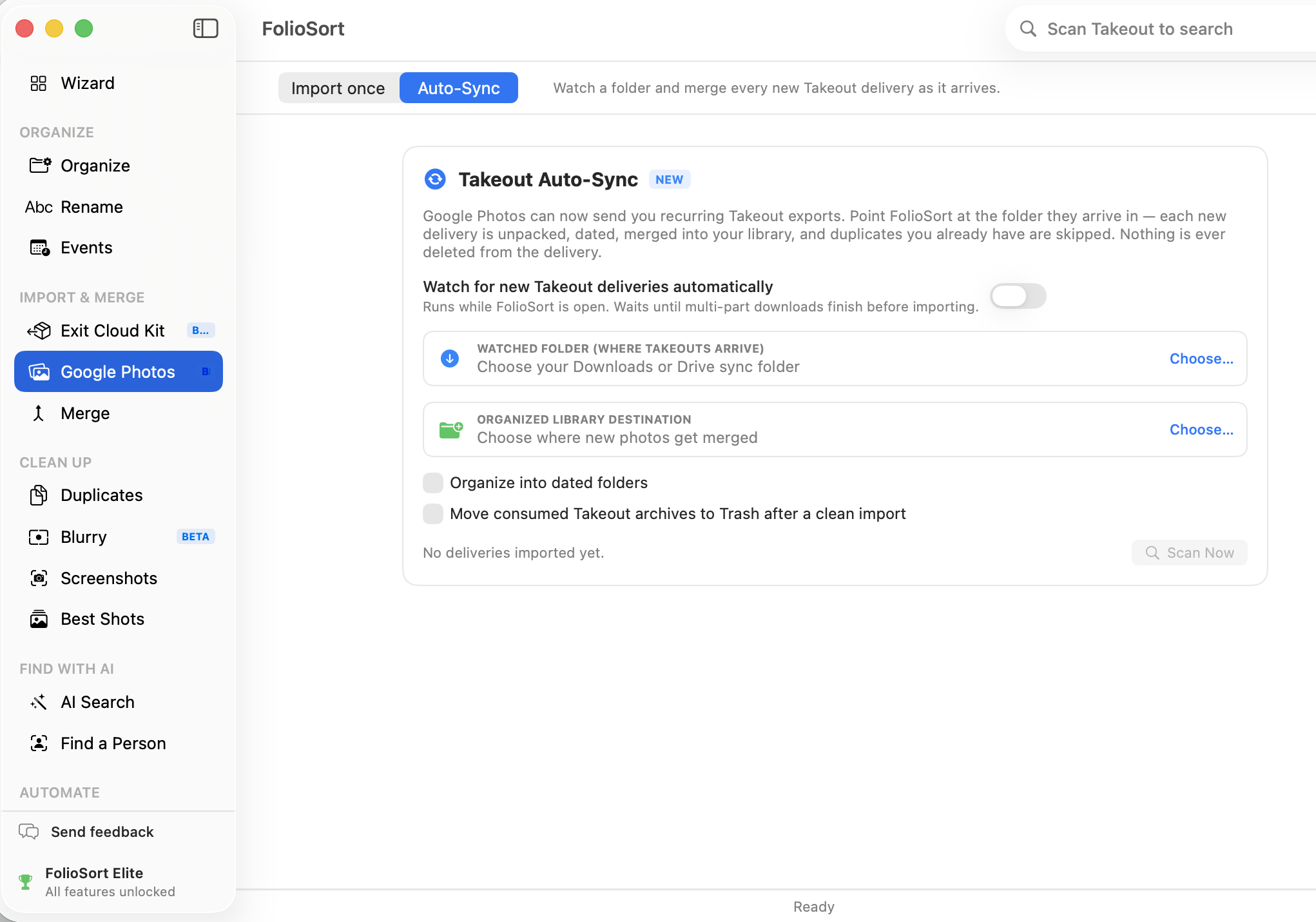
Takeout Auto-Sync · New
Set your Google Takeout to export on a schedule, then point FolioSort at the
folder the deliveries land in. Each new export is unpacked, dated from its .json sidecars, and
merged into your library — and every photo you already have is skipped. One export or twenty,
your archive stays one clean library instead of a pile of zips.
Exporting your library once is painful but finite. Exporting it on a schedule is worse: every delivery is another stack of numbered zips in your Downloads folder, another manual unzip, another round of "have I already imported this one?". Miss a step and you get duplicates. Skip a delivery and you get holes.
So most people export once, never again — and quietly keep paying the cloud bill, because the copy on their drive is already months out of date.
You choose the folder deliveries arrive in — Downloads, a Drive sync folder, wherever — and the
destination library they should end up in. From then on FolioSort recognises each new Takeout, waits until the
download has genuinely finished, unpacks it, restores the real capture dates, and files everything into your
dated folder structure.
The part that makes it repeatable is the duplicate skip: every incoming file is checksummed against your library first. Google can send you only the new photos or resend the entire archive — the result on your disk is identical. Each run ends with a plain count: new, skipped, errors.
How it works
takeout-…-001.zip, -002.zip, -003.zip are read as one delivery — not three. Already-extracted Takeout/ folders count too.
Sizes must stop changing, no .crdownload / .part files may sit alongside, and multi-part sets get an extra quiet period before import starts.
The archive is extracted, dates are recovered from Google's .json sidecars, and photos are organized into your dated folders — the same pipeline as a manual Takeout import.
Every file is checksummed against your library first, so you only gain what's actually new. The run lands in the Activity log with its counts — and can be undone.
The awkward cases
… (1).zip recognised, not imported twiceWhy it's safe to leave running
Getting your photos out of Google is not the part we charge for: Takeout import handles every format with no file limit, free — and that includes Scan Now, the button that runs exactly the same merge on demand, as often as you like. If you're happy clicking it when a delivery arrives, you never need to pay a cent.
The always-on watcher — the part that notices deliveries and imports them without you — is an Elite feature, like every other unattended automation in FolioSort. Same one-time payment, no subscription, no account.
Auto-Sync handles the deliveries after the first one. These cover the rest of the move.
Requesting the export, what Google actually sends you, and how to rebuild a clean library from it.
Read the guide → FeatureImport → Clean → Organize → Verify, with a report that proves the archive is complete.
See the Exit Kit → FeatureFor the copies that built up before Auto-Sync — exact and visual matches, reviewed before removal.
Find duplicates →FAQ
In Google Takeout, when you create an export you can choose to export automatically on a schedule instead of just once. Google then keeps delivering new exports to the same place — a download link, or straight into your Drive folder. FolioSort doesn't talk to Google at all; it simply watches the folder where those deliveries land.
They're skipped. Before copying anything, FolioSort checksums each incoming file and compares it against your destination library. Identical files are counted as skipped duplicates, not imported again — so it makes no difference whether Google sends only the new photos or the whole library over again.
No. A delivery has to go quiet first: file sizes must stop changing, no browser part-files (.crdownload, .download, .part) may be sitting next to it, and multi-part sets wait an extra five minutes after the newest part appears — Google numbers the parts but never tells you how many there are, so a quiet period is the only reliable "that was the last one" signal.
Yes. takeout-20260701T083015Z-001.zip, -002.zip and so on are grouped into a single delivery and imported together. Browser re-downloads like takeout-…-001 (1).zip are recognised as the same delivery, not a new one.
Yes. Every Auto-Sync run is recorded as a normal FolioSort batch in the Activity log, so you can undo it like any other operation. The original Takeout archive is never deleted — moving consumed archives to the Trash is an option you switch on yourself, and even then it's the Trash, never a permanent delete.
Into the destination and folder pattern you pick when you set Auto-Sync up — the same dated structure the Organizer uses (2019/04/… and friends), so the merged deliveries are indistinguishable from the rest of your library.
Yes. Takeout Auto-Sync ships on both macOS and Windows, with the same detection rules, the same duplicate skipping, and the Recycle Bin standing in for the Trash.
Importing Google Takeout is free in FolioSort — all formats, no file limit — and that includes the Scan Now button, which runs exactly the same merge on demand. The always-on watcher that catches deliveries by itself is part of Elite, in line with every other unattended automation in the app.
Point FolioSort at the folder your exports land in, choose where the photos belong, and let every future delivery merge itself into one clean, dated library.