FolioSort Feature Free to start
Google Photos Takeout strips EXIF dates and GPS from your photos and hides them in JSON sidecar files. FolioSort reads those sidecars and writes the correct metadata back into your image files — free, and exports them to a clean folder. Want them auto-sorted into Year / Month / Camera / City folders by EXIF? That's a one-time Pro upgrade.
Google Photos Takeout is the official export tool — but the files it produces are not what you'd expect.
Google Photos strips the original EXIF date from exported files and stores it in a .json sidecar file alongside. Your photos show today's date instead of when the picture was actually taken.
Location data from your phone is also removed from the image file and stored only in the sidecar. Your photos lose the ability to be organized by place.
If a photo appears in three albums, Google exports it three times. A 50GB library becomes 150GB of duplicates that are near-impossible to deduplicate manually.
Long original filenames are cut off, breaking the match between the image file and its sidecar. Standard tools fail to pair them — FolioSort's fuzzy matcher handles it automatically.
Point it at your Takeout folder. Every broken piece is repaired before a single file moves.
Reads every .json sidecar alongside your photo. Extracts photoTakenTime.timestamp (the precise capture time) and writes it into the image's EXIF data. Your photo now has the correct date.
Extracts GPS latitude and longitude from Takeout sidecars and writes them as standard EXIF GPS tags in the image file. Location-based organizing with Organizer works again after restoration.
Identifies photos exported multiple times across different albums using file content comparison. Keeps one copy and discards the rest — so you don't pay for storage you don't need.
Intelligently pairs 47-character truncated image filenames to their sidecar files using fuzzy matching — the same matching Google's own tools fail to do reliably.
Google Photos stores Canon RAW uploads as JPEG files with the original .CR2 or .CR3 extension. FolioSort detects this via magic-byte sniffing and processes them correctly rather than misclassifying them.
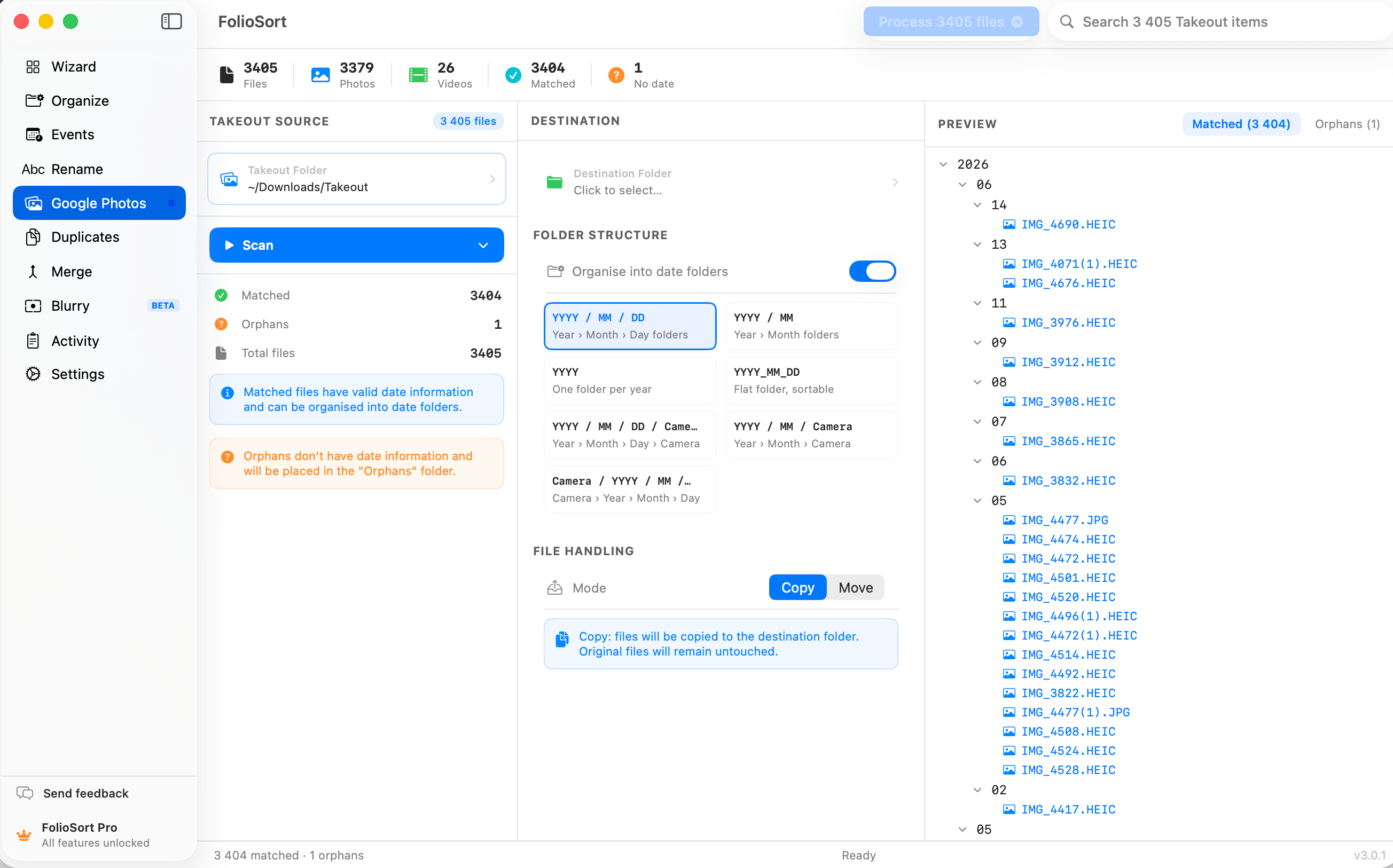
After scanning your Takeout folder, see a summary: total files, photos, videos, matched (with sidecar), and files with no date. Know the scope of your restoration before anything is written.
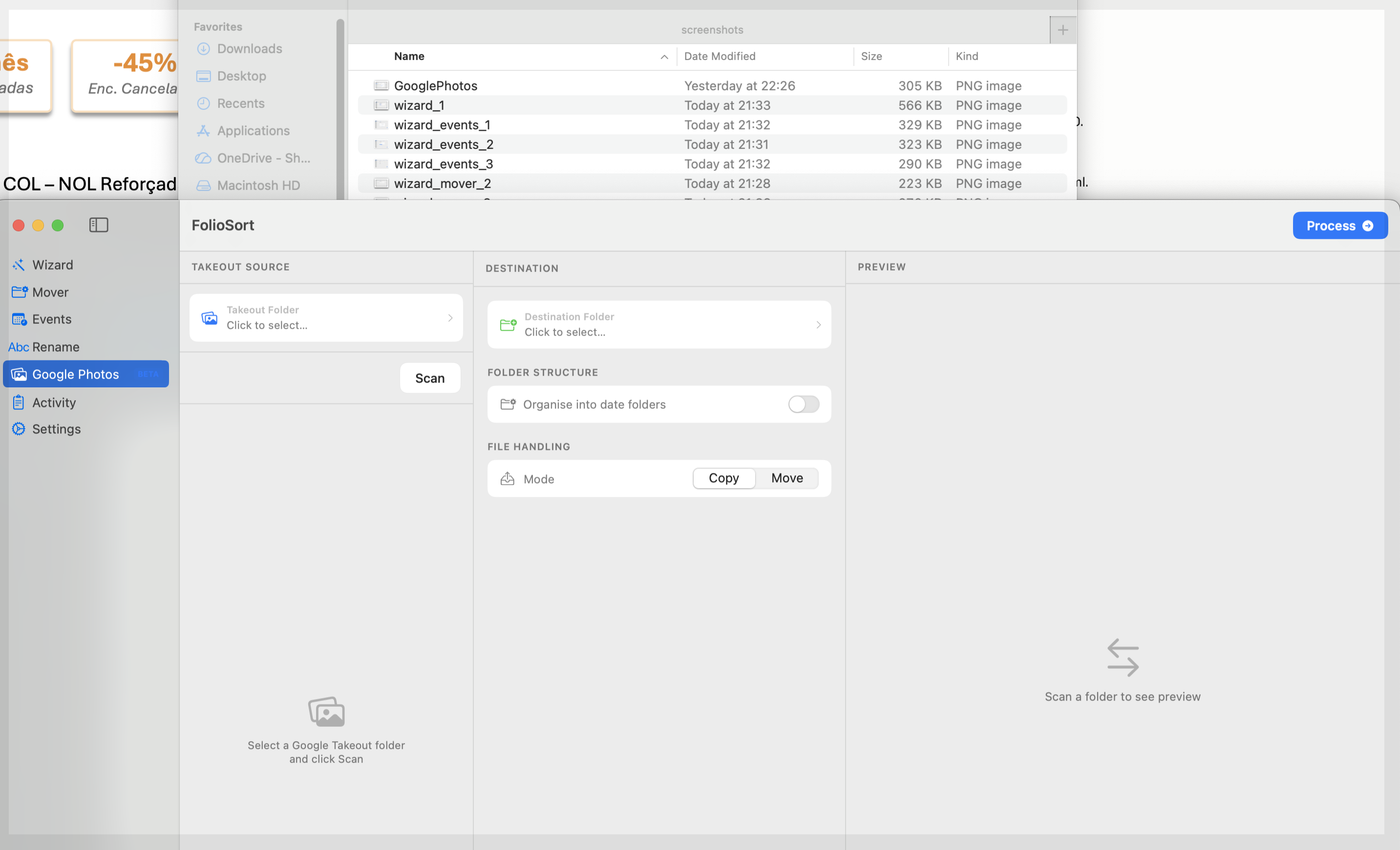
Drop your Takeout export folder into the source picker. FolioSort walks through every file and sidecar automatically.
After FolioSort processes your Takeout export, organize to any destination.
Keep everything in Apple's ecosystem. After metadata restoration, import your organized library into iCloud Photos with proper dates and locations intact.
Build a self-hosted photo server on your Synology. FolioSort organizes by EXIF date before the transfer so your NAS library is already structured when it arrives.
Immich is the open-source self-hosted alternative. Restore metadata first with FolioSort, then import — Immich will read dates and GPS correctly from the fixed files.
Keep it simple: a well-organized folder structure on your Mac or external drive. No cloud required. Full EXIF metadata, no duplicates, perfectly sorted.
Download FolioSort and restore your Takeout metadata for free. EXIF-based folder organization unlocks with a one-time Pro license (€14.99).
Download FreemacOS 14+ & Windows 10+ · Metadata restore is free · EXIF organizing is Pro