How do I migrate my Google Photos library to Immich?
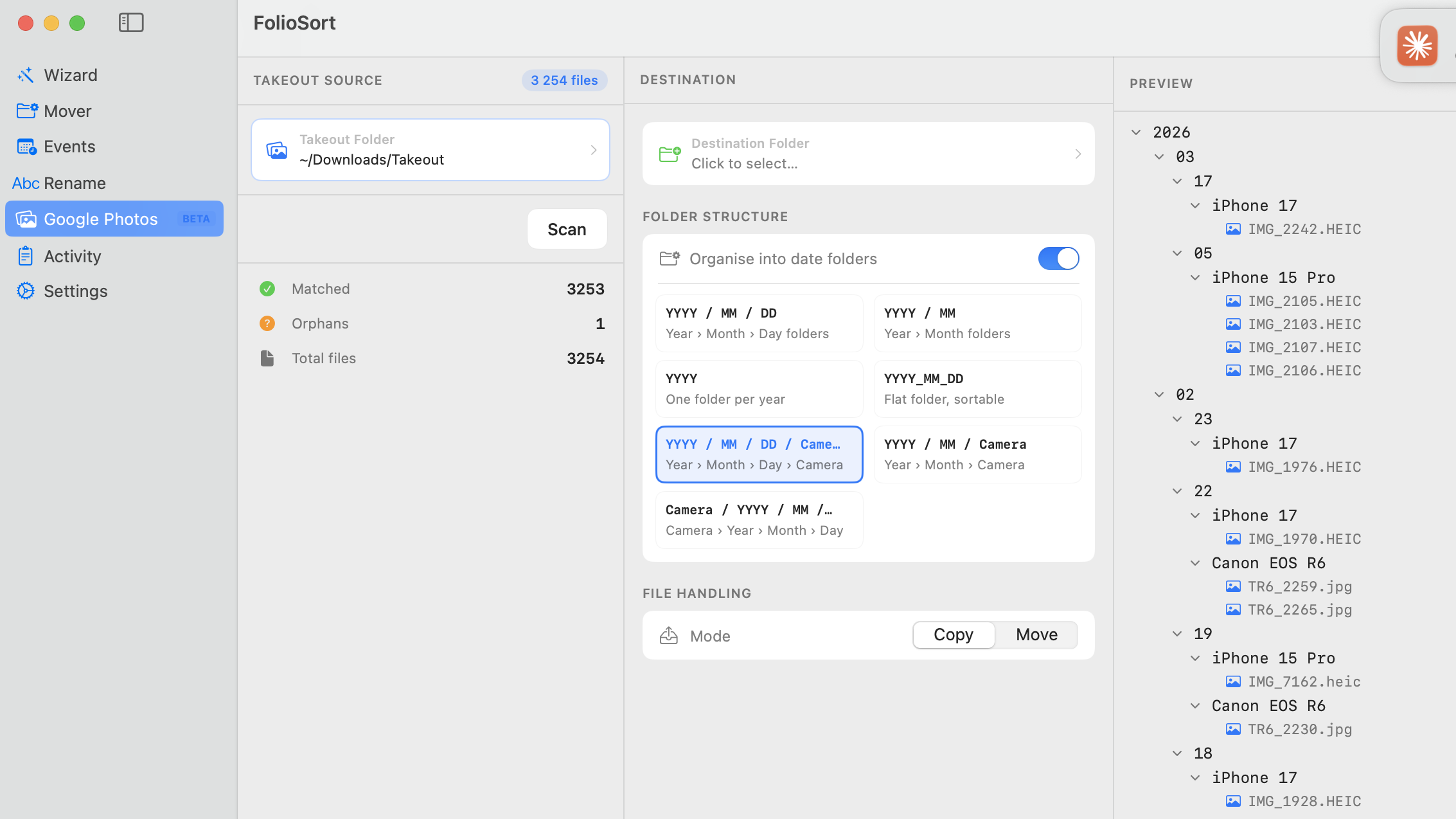
Export your library with Google Takeout, extract the .zip files, then run FolioSort to restore the real dates and GPS from the JSON sidecars and organize everything into clean Year/Month folders. Finally upload to your Immich server with the web uploader, the mobile app, or the immich-go CLI. The full workflow is in the steps above.
Why do my photos show today's date in the Immich timeline?
Takeout stores the real capture date in separate .json sidecar files, not in the photo's EXIF. If you upload the raw files, Immich sees the missing or wrong date and shows everything as taken today. FolioSort writes the correct DateTimeOriginal into each file before upload, so your Immich timeline is perfectly ordered — full detail on the Takeout repair.
Does GPS location search work in Immich after migrating?
Yes. Immich's "Explore by location" and map view only work when photos carry GPS in their EXIF. FolioSort restores GPS coordinates from Takeout's JSON sidecars, so your Immich map view is fully populated after upload.
What's the best way to upload a large library to Immich?
For large migrations the immich-go CLI is the most reliable — it handles 100,000+ files efficiently with built-in duplicate detection. The web uploader is fine for folders under ~5,000 files, and if Immich runs on a NAS you can point it at an external library folder directly.
Is FolioSort free, and does it upload my photos anywhere?
FolioSort is free to download and processes up to 100 files per operation on the free tier — enough to test the whole workflow. It runs 100% locally on your Mac or PC; nothing is uploaded to any server. Pro (€19.99, one-time — no subscription) removes the file limit and adds duplicate detection.
Will FolioSort create duplicates in Immich?
No — the opposite. Google Takeout duplicates photos across album folders, which would show the same memory multiple times in Immich. FolioSort detects and resolves these duplicates by content hash before upload, so Immich receives a clean library.
Does this work on Windows too?
Yes — FolioSort runs on both macOS 14+ and Windows 10+, with the same Takeout import and folder organization. This guide is written for Mac, but every step applies on a Windows PC as well.